





Wordpress Plugin for Gravity Forms to Salesforce CRM Posting
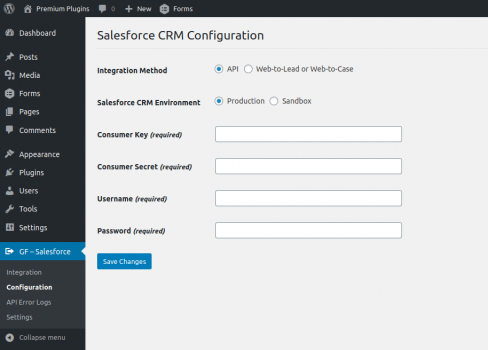
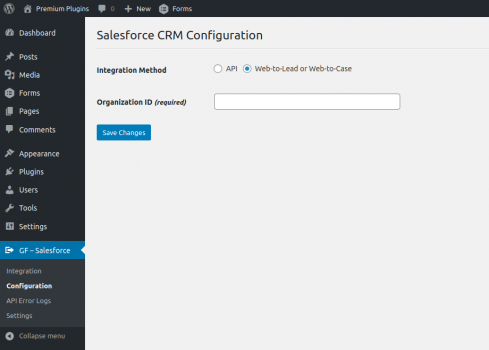
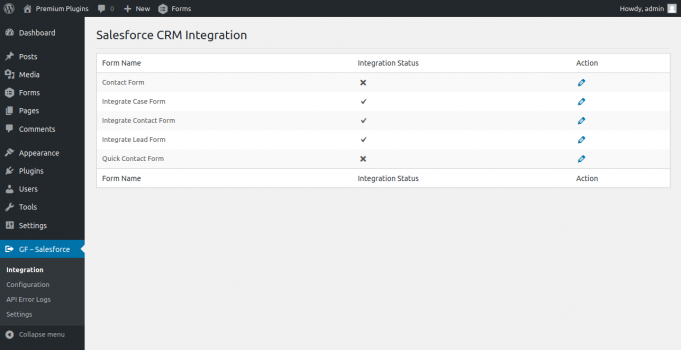
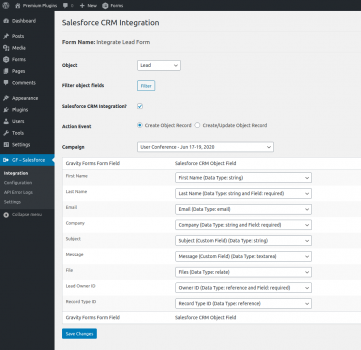
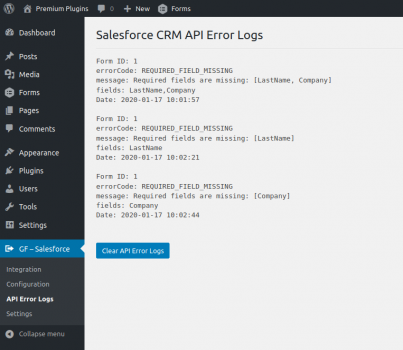
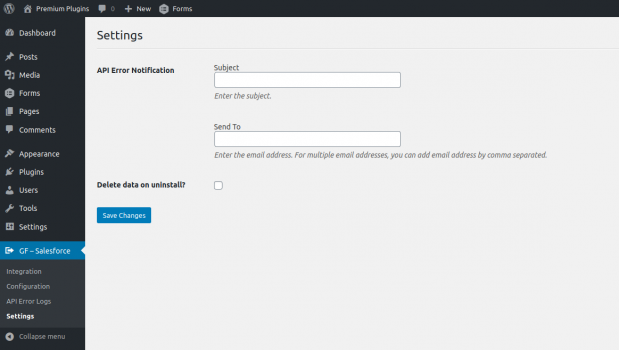
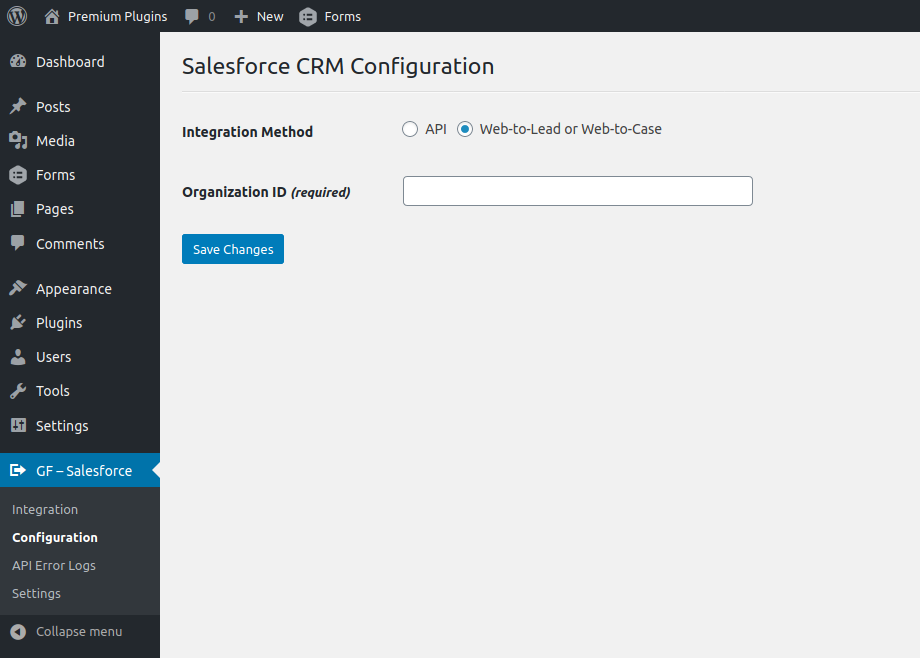
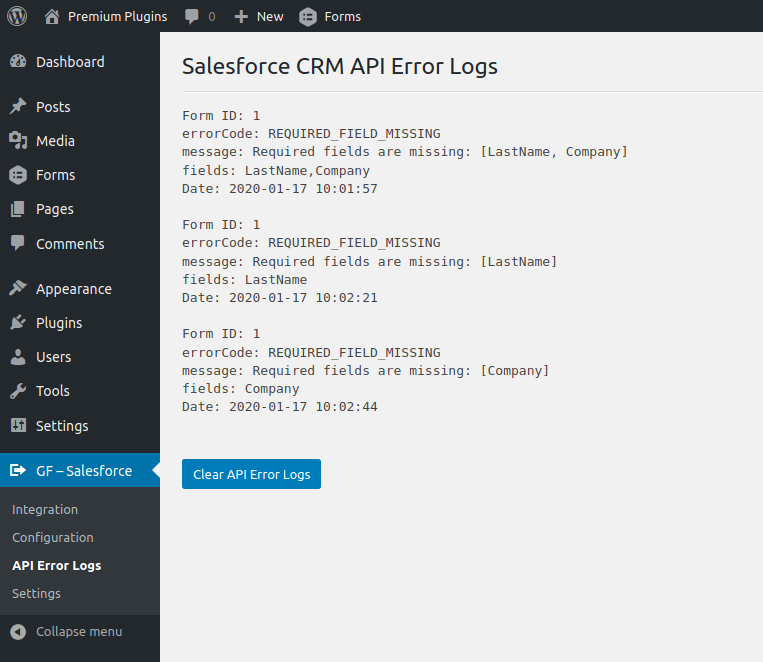
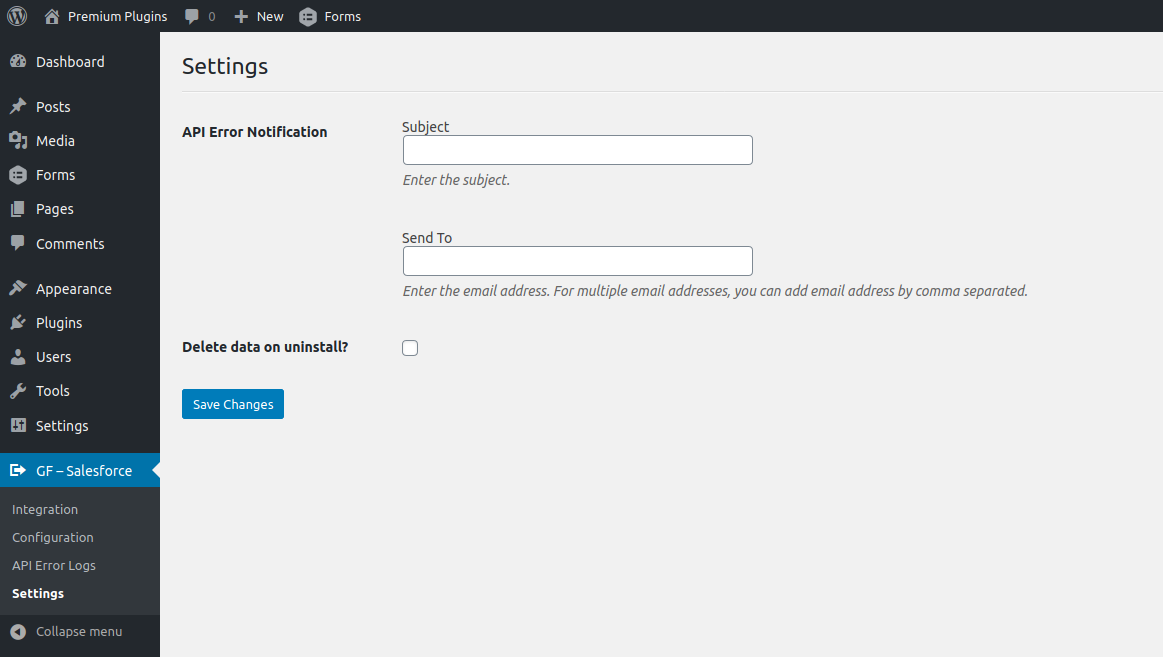
Features - Easily integrate your Gravity Forms form with Salesforce CRM Lead, Contact or Case. - Integrated Gravity Forms form can automatically add/update your site new form submissions to your Salesforce CRM Lead, Contact or Case. - Easily map your Gravity Forms form fields to your Salesforce CRM Lead, Contact or Case fields. - Action Event option for âCreate Object Recordâ and âCreate/Update Object Recordâ. - Integration Method option for âAPIâ and âWeb-to-Lead or Web-to-Caseâ. - Salesforce CRM Environment option for âProductionâ and âSandboxâ environment. - Support Salesforce CRM Custom Fields (Phone, Picklist, Multi-Picklist, Date, Email, Text, etcâ¦). - Support Gravity Forms form âFile Attachmentsâ and upload form file attachments to your Salesforce CRM âFilesâ. - Support Salesforce CRM Campaign. Campaign select option for Contact and Lead. Add Contact or Lead to your Salesforce CRM Campaign. - Support âLookup Relationshipâ type fields (Lead Owner, Contact Owner, Record Type, Account, Contact, etcâ¦) of Salesforce CRM Object. - âSalesforce CRM Object Fieldâ dropdown fields sorted in alphabetical order. - Section for view Salesforce CRM API error logs. - API Error Notification option for will be sent Salesforce CRM API error to the specified email. - Integrate unlimited Gravity Forms forms.

 Time Targeting Ads (for Inout Adserver)Sponsored
 Social Plugin (for Inout Search Engine)Sponsored

 Search Maps (for Inout Search Engine)Sponsored
Help/Fix on AWS Lambda Service (1 Hour)
One hour of help or fixes for AWS Lambda functions and related services.
Help/Fix on AWS WAP Service(EKS) (1 Hour)
One hour of help or fixes for issues related to your AWS EKS workloads.
Microsoft Azure App Service Deployment & Web Application Configuration
Deploy and configure Azure App Service for hosting web applications with secure access, performance tuning, and environm
Cost optimization by archiving standard AWS snapshots
Reduce storage costs by cleaning up and archiving old EC2 or EBS snapshots safely.