
Glossary Dreamweaver Extension
The glossary panel can be realocated inside the browser just by dragging with the mouse pointer over the title band to the desired location. The panel window appear with fade efects and shadows. This component is distributed as Dreamweaver extension in a mpx file called TSGlossary.mxp. By executing TSGlossary.mxp the component will be installed and TSGlossary will be accesible through the menu "Insert => Dynamic Trio Solutions => Insert Glossary" or "Insertbar=>Dynamic Trio Solutions=>Insert Glossary".

 Thumbtack Clone Script - Buy2ThumbsupSponsored
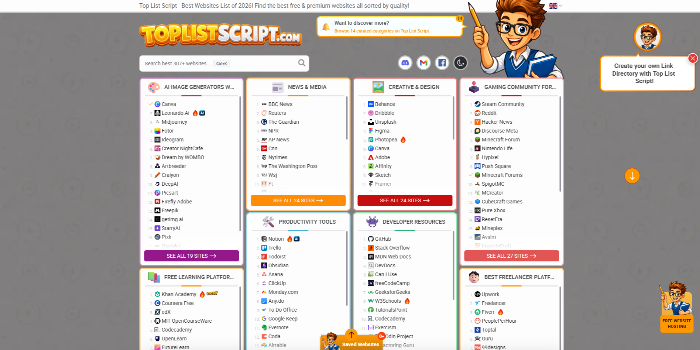 PHP Link Directory Script - Top List Script & Website Review ScriptSponsored

 Video Theme: Setup a website like YouTube today (New 2022) - Download Now!Sponsored
Management of Shared Storage Using AWS EFS
Setting up and managing a shared disk/folder using AWS EFS so multiple servers can access the same data at the same time
Help/Fix on AWS WAP Service(EKS) (1 Hour)
One hour of help or fixes for issues related to your AWS EKS workloads.
Help/Fix on configuring AWS SES for very low cost SMTP Email Sending (1 Hour)
One hour of help to configure AWS SES for low cost, reliable SMTP email sending.
Help/Fix on AWS VPC General/Advanced Services (1 Hour)
One hour of help or fixes for AWS VPC networking issues or advanced configurations.