

June Gallery
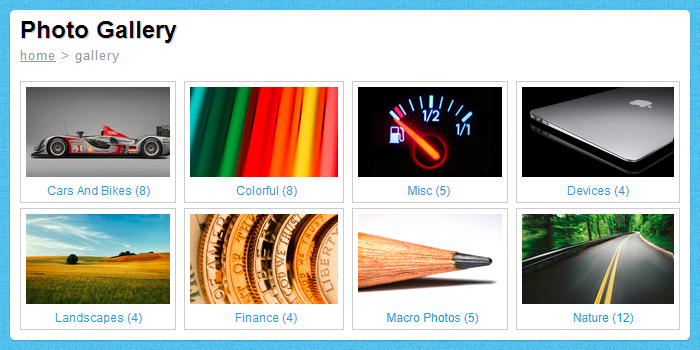
June Gallery is a new, fresh-looking gallery , built on a two levels structure (image files stored in categories). It was thinked to be used standalone or embed in html, it is resizable and it has a clean and user friendly appearence, with smooth tweens wich create a nice visual experience. You can define your own categories or add your own images by editing the xml file. After the xml is loaded, the gallery will enable by default the first category and it will dinamically generate the thumbnails list. You can use images at any size and aspect ratio. Animated swf files are not supported. Images are smoothed and scaled to fit the window with the aspect ratio preserved. The description can be HTML formated and it supports most of the common HTML tags. Mouse wheel and scrollbar are enabled for long blocks of text. You have the next/previous buttons located on the sides, wich enable you to navigate easely through the images.



 Inout Shopping Cart - Multi Vendor EditionSponsored
Creating and configuring Private network in AWS and connecting it through VPN
Design and configure a private AWS network and connect it securely with VPN.
Management of Shared Storage Using AWS EFS
Setting up and managing a shared disk/folder using AWS EFS so multiple servers can access the same data at the same time
Website and database migration to AWS EC2 instance
Migrate your website and database from existing hosting to an AWS EC2 server.
Cost optimization by archiving standard AWS snapshots
Reduce storage costs by cleaning up and archiving old EC2 or EBS snapshots safely.
