
Search engine tag library
The Search custom tag is an iteration tag that loops over the results of criteria passed to the Lucene search engine. This tag supports parameters for passing the search criteria to the search engine and then returns information about the result set to the page programmer through the name used in this tags ID attribute. Any field stored in the search index will be accessible after the start tag has run by calling the result set's someID.getField(String name) method which will locate the value of the field and return it as a string. In the event that no such field exists it will return an empty string. There is also a <LUCENE:Field> tag that does this for you. If you need to get a list of the column names ahead of time you can call the tags's getFields() method and it will return you a Set of field names that can be iterated over as you will see in the result.jsp example provided with this documentation. There is also a <LUCNENE:Column> tag that does the same thing.


 Video Theme: Setup a website like YouTube today (New 2022) - Download Now!Sponsored
 Multi Vendor Marketplace Script - MartySponsored
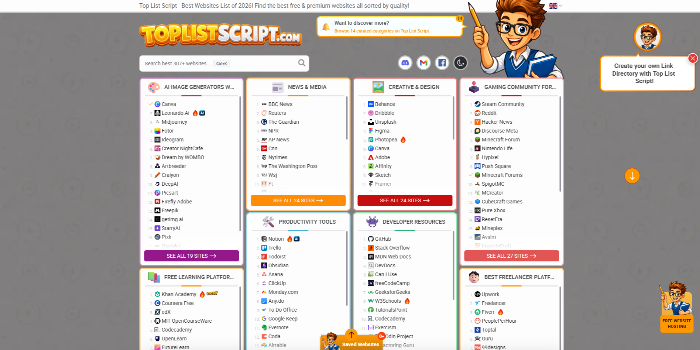 PHP Link Directory Script - Top List Script & Website Review ScriptSponsored
AWS S3 Glacier Low Cost Deep Archive configurations
Configure S3 Glacier Deep Archive for ultra low-cost long term data storage.
Creation and Management of AWS VPC and Subnets with IPv6 Support
Create and configure AWS VPCs and subnets with full IPv6 support for modern, scalable, and future-ready networking.
Help/Fix on AWS WAP Service(EKS) (1 Hour)
One hour of help or fixes for issues related to your AWS EKS workloads.
AWS Instance & Volume Protection Monitoring Service
Monitoring and protecting up to 10 AWS instances/volumes by enforcing safe deletion settings, with pricing adjustable fo