

TimeCase
Main Features: - Track time spent on projects. - Assign projects to customers and categorize work by type. - Enter time tracking records by easily selecting time span. - Auto-track time with simple start/stop timer button. - Create users and assign them appropriate roles. - Assign projects to customers and allow them to login and see their reports. - Four different user roles and special customer role provides advanced security features. - See time tracking reports, filter data with ajax, export as csv or print as tables. - Modern, easy to use ajax interface. - Responsive design adapts to any screen size, from desktop to phones.

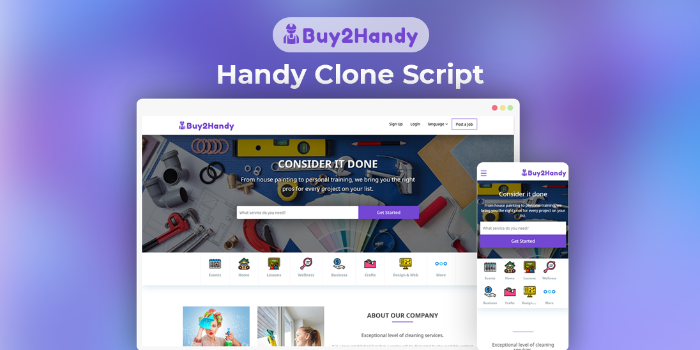
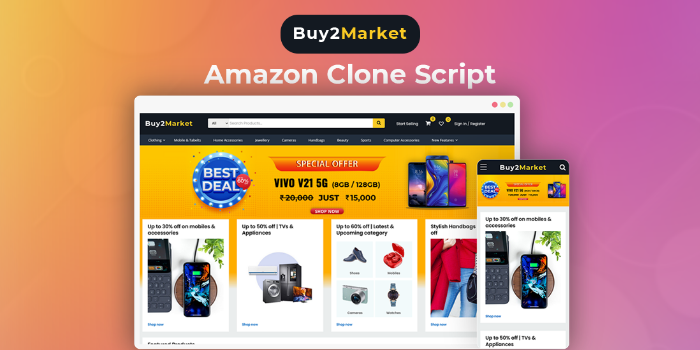 Amazon Clone Script - Buy2AmazonSponsored
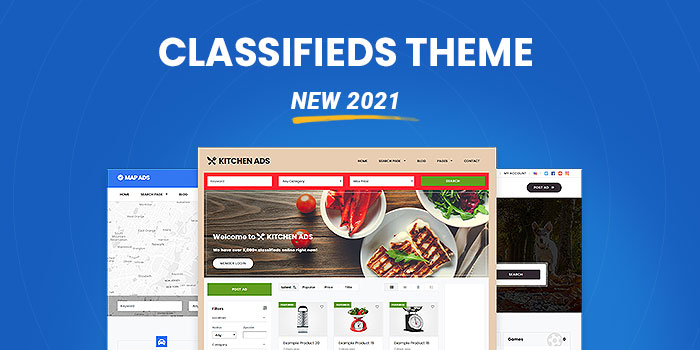 Classifieds Theme (New 2022) - Download Now!Sponsored
Overall cost optimisation by monitoring AWS Cost Explorer
Analyse AWS costs using Cost Explorer and suggest practical ways to reduce monthly bills.
Help/Fix on AWS VPC General/Advanced Services (1 Hour)
One hour of help or fixes for AWS VPC networking issues or advanced configurations.
Microsoft Azure App Service Deployment & Web Application Configuration
Deploy and configure Azure App Service for hosting web applications with secure access, performance tuning, and environm
1 Hour AWS issues/problems review and fix
One hour dedicated session to review and fix a specific AWS issue or problem.
