
x509certificate2 Add Digital Signature
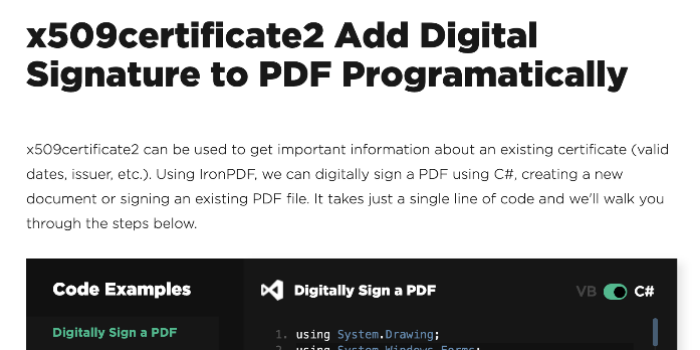
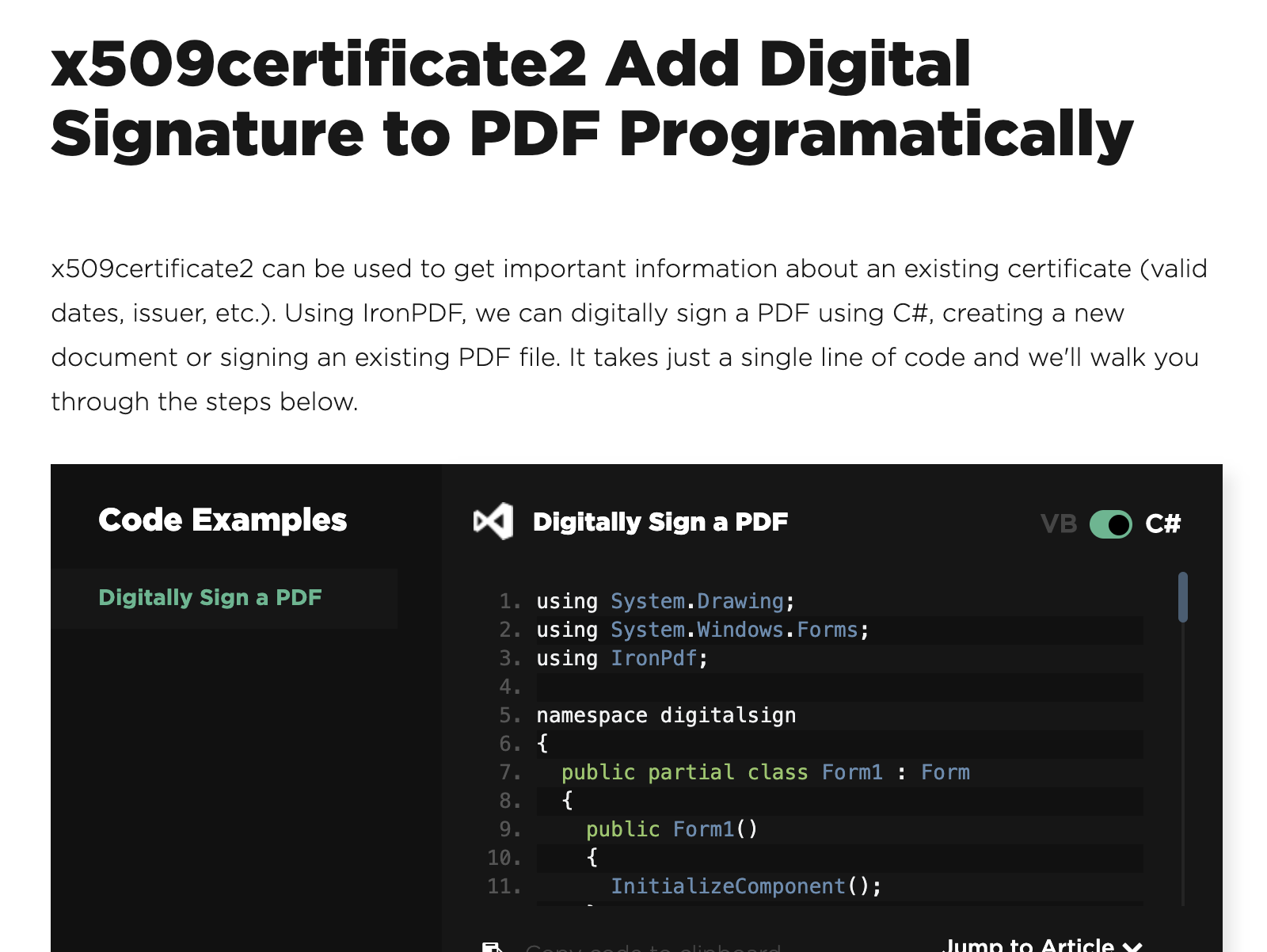
An x509certificate2 certificate is an encryption certificate used to digitally sign PDF documents. This allows us to encrypt them, ensuring that they have not been edited or altered in any way. It's a form of digital signature, ensuring that the end user receives an unedited PDF document so that you can ensure that your content is being delivered verbatim without being edited by third parties along the way. IronPDF fully supports digital signatures within .Net applications. It allows us to sign PDF documents in .Net framework and .Net core applications whether they're desktop or web applications. First we use IronPDF to create a new PDF signature from a PFX file. That is an encryption, that's an encryption certificate file. We then sign any existing PDF file. There are code examples on ironpdf.com. You can use either the dot PFX or dot P12, x509certificate2 digital certificate are both supported by arm PDF. These represent the latest standard in PDF signing and are generated for free from within Adobe viewer. Yes, it can, and there are two ways to do this. One way is to append HTML. Taking your handwritten signature as an image, rendering it as within the HTML to PDF rendering and adding that image to your PDF document. You may then additionally digitally sign the document with an encryption certificate. Alternatively, and the more standard way of doing this is while you were signing with an x509certificate2, you may add a handwritten signature image to the signature. This will show up in Adobe Reader very clearly so that people can see a handwritten signature and the digital encryption certificate without physically amending the PDF. IronPDF can be used to sign PDFs in any type of .Net framework or core application including desktop, console, aziar, Docker and web applications. We have full support for .Net core MVC, and traditional web forms, ASP x SP .Net projects.





Cloudflare Ongoing Management & Monitoring (Monthly)
Monthly Cloudflare management including policy changes, monitoring, tuning and issue response.
Overall cost optimisation by monitoring AWS Cost Explorer
Analyse AWS costs using Cost Explorer and suggest practical ways to reduce monthly bills.
Help/Fix on AWS CloudFront (1 Hour)
One hour of help to configure or fix AWS CloudFront distributions.
AWS Aurora DB configurations
Set up or tune Amazon Aurora for high performance and high availability workloads.