

Adding an Icon with Your URL - Two Methods
Publisher
Add an icon with URL in two methods, troubleshooting, and icon creation information.
Product Details
You've probably noticed those cool icons that show up in the URL box and with Favorites (bookmarks) in IE5. Here are two easy methods to do it, along with information on icon creation and troubleshooting.

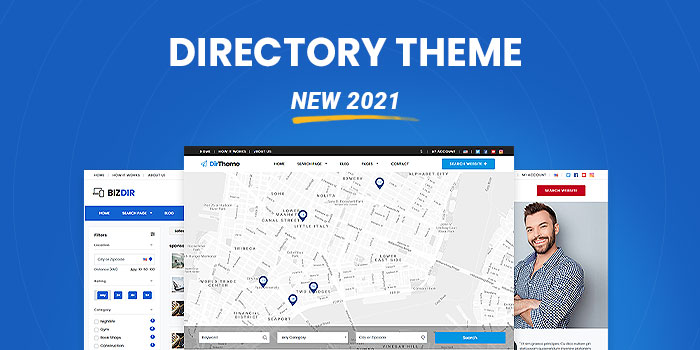 Business Directory Theme (New 2022) - Download Now!Sponsored
posted byshopperpressinBusiness Listings
PriceUSD 99.00
Views7609
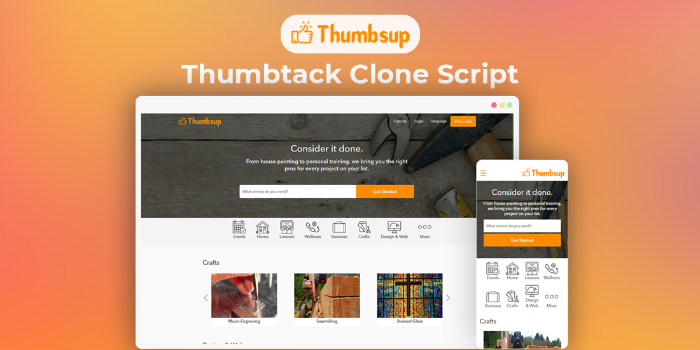 Thumbtack Clone Script - Buy2ThumbsupSponsored
posted bySangvishinClone Scripts
PriceUSD 499.00
Views4552
 Inout Shopping Cart - Multi Vendor EditionSponsored
posted byinoutscriptsinShopping Carts
PriceUSD 899.00
Views13502

Help/Fix on AWS Kubernetes Service(EKS) (1 Hour)
One hour of help or fixes for Kubernetes clusters running on AWS EKS.
AWS Backup and Restoration Service for Instances
Backup and restore your AWS instances to protect data, recover from failures, and ensure business continuity.
Website and database migration to AWS EC2 instance
Migrate your website and database from existing hosting to an AWS EC2 server.
Help/Fix on configuring AWS SES for very low cost SMTP Email Sending (1 Hour)
One hour of help to configure AWS SES for low cost, reliable SMTP email sending.
User Reviews
Please rate the listing and tell the world know what do you think about the listing.
No reviews found.
Not yet reviewed by any member. You can be the first one to write a review for this listing.Click hereto submit your review.
