

ArtistScope Menu Builder
Menu Builder can be used for navigation buttons or to display an image at any size. It was designed to overcome problems found with using JavaScripts for rollovers in page inserts. To increase your directory, simply paste another Menu Builder to the page. There is no limit to how many can be used on a page or the variations possible. On MouseOver it displays background tiles, swaps images, displays text, plays sounds and is clickable for linking. Menu Builder is free for non-commercial use.

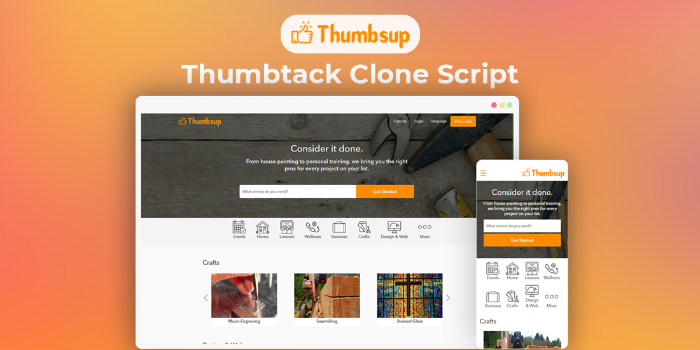 Thumbtack Clone Script - Buy2ThumbsupSponsored
 Inout Homestay - Vacation & Space Rental Portal ScriptSponsored
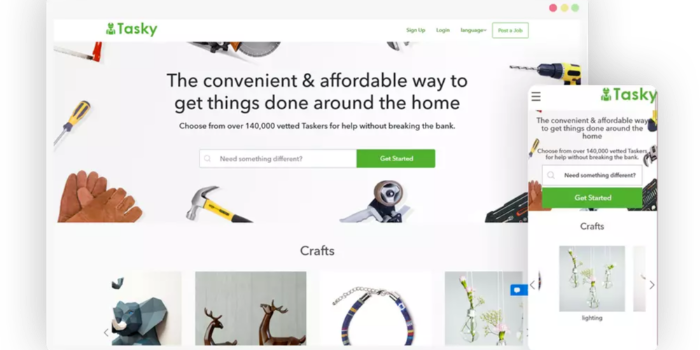 Taskrabbit Clone Script - Buy2TaskySponsored
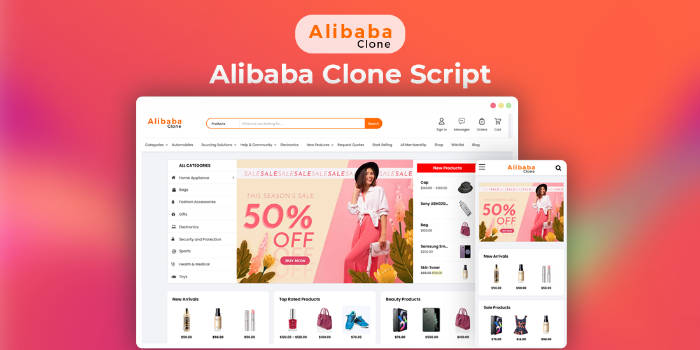 Alibaba Clone Script - Buy2AlibabaSponsored
Help/Fix on AWS Kubernetes Service(EKS) (1 Hour)
One hour of help or fixes for Kubernetes clusters running on AWS EKS.
Help/Fix on AWS Lambda Service (1 Hour)
One hour of help or fixes for AWS Lambda functions and related services.
Overall cost optimisation by monitoring AWS Cost Explorer
Analyse AWS costs using Cost Explorer and suggest practical ways to reduce monthly bills.
1 Hour AWS Consulting Services/Support
One hour of flexible AWS consulting or support for architecture, design, or issues.
