

Dock Gallery FX
You can integrate it in any website for free without even using Flash. The overall width and height can be customized up to 1680 x 1050 pixels. It's fully customizable and uses the Dock Menu FX component, keeping the same many customizable variables of the menu and adding many gallery properties, text effects and image transitions. You can place the dock menu on any position over the gallery, and you can have it hidden on mouse out. You can configure your XML list of text effects and image transitions. The images in the gallery can be shown according to boxFit, bestFit or forceFit options. The specific properties from the Dock Menu FX like thumbs spacing, scrolling speed, mouse over behaviors and HTML-CSS formatted tooltip are also available.

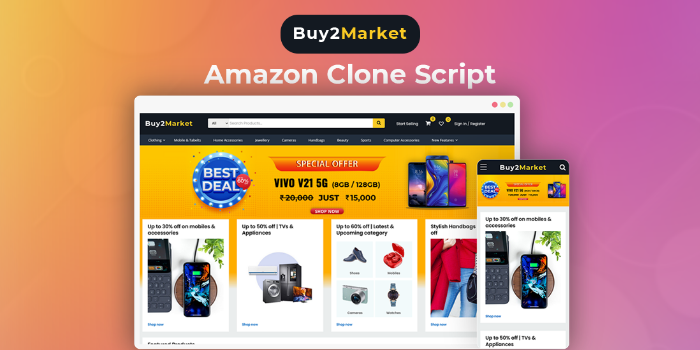 Amazon Clone Script - Buy2AmazonSponsored
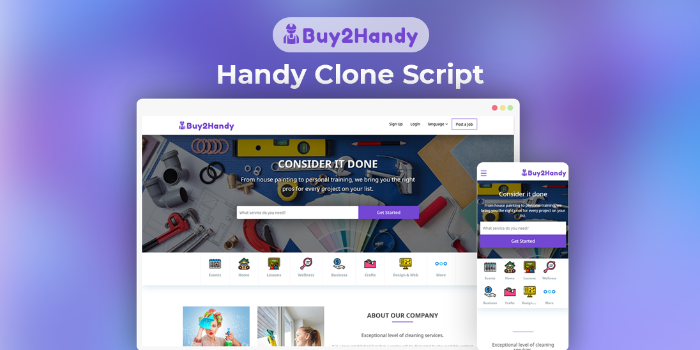
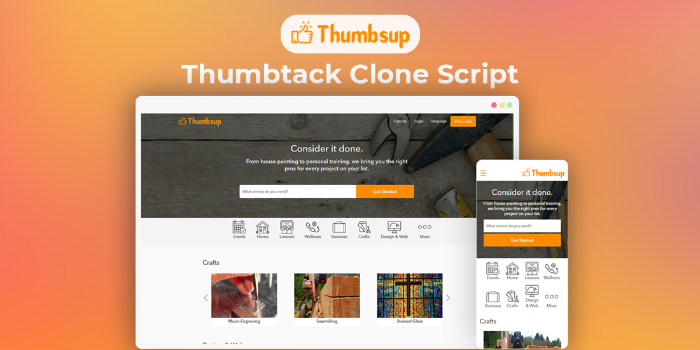 Thumbtack Clone Script - Buy2ThumbsupSponsored

Help/Fix on configuring AWS SES for very low cost SMTP Email Sending (1 Hour)
One hour of help to configure AWS SES for low cost, reliable SMTP email sending.
Help/Fix on AWS VPC General/Advanced Services (1 Hour)
One hour of help or fixes for AWS VPC networking issues or advanced configurations.
AWS Instance & Volume Protection Monitoring Service
Monitoring and protecting up to 10 AWS instances/volumes by enforcing safe deletion settings, with pricing adjustable fo
Monitoring Spot Instance Prices and Migrating Instances to Optimal Types/Regions
Automatically monitoring AWS Spot instance prices and moving servers to better instance types or regions for maximum sav
