
Multi-video download link: Youtube, Google, Dailymotion, Metacafe, Myspace, ...
Publisher
Direct video download from famous video websites to your disk - PHP script
Product Details
How does it work? Simple: 1. Surf on the video site (Youtube, Google, Metacafe, Dailymotion, Myspace, ...) and copy the url when you are on the video page (the page where video plays) 2. Paste the url in the below text box (including all URL parameters and codes) 3. Click on the button and wait a few seconds 4. You now have a link to download the video file on your disk (often a .flv or mp4 flash video file). (Pay attention to name it with the correct extension when you save it on your disk) 5. That’s it! You can watch the video with your favourite player or upload it to your website!
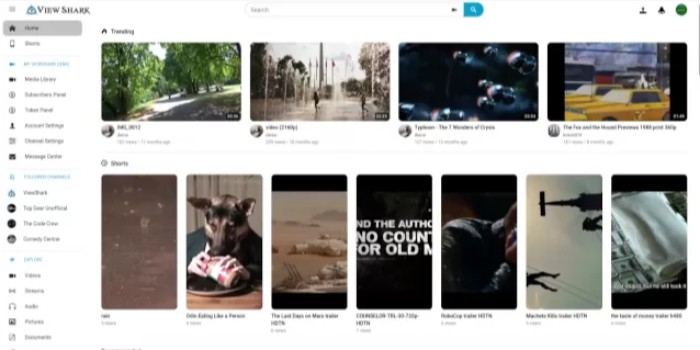 ViewShark - YouTube Clone Script / Twitch Clone ScriptSponsored
posted byViewSharkinStreaming and Broadcasting
PriceUSD 74.00
Views2190



User Reviews
Please rate the listing and tell the world know what do you think about the listing.
No reviews found.
Not yet reviewed by any member. You can be the first one to write a review for this listing.Click hereto submit your review.

