

Product Viewer
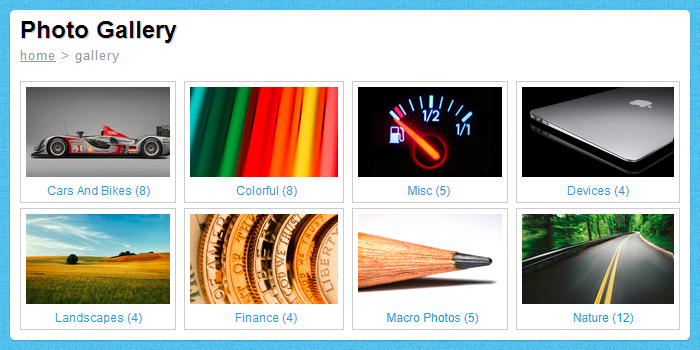
Display product images on your site; with thumbnails, preloaders, click sounds, fade effect, etc. It can display jpg, swf, gif, png, etc. Paths to images and other optons can be set by the external XML file; you don't have to edit the source file to change the photos, colors, etc, you simply edit the XML file with a plain text editor. In XML file you can set actions when the large image is clicked, the actions can be: opening an URL, trigger a function in the flash file, go to a frame, trigger a fscommand, load a flash movie, etc. A list of options in XML file, note that the included readme.txt contains details for each of these options: - path to thumb - path to large image - action type (open url, trigger function, go to frame, loadMovie, etc) - url to open (or other action to trigger) - url target frame (or options for given action) - image title - product_viewer_border="1" - border_color="999999" - border_alpha="30" ...


Configure EC2 Auto Scaling
Setting up EC2 Auto Scaling to automatically adjust the number of servers based on traffic, performance, and demand.
AWS Aurora DB configurations
Set up or tune Amazon Aurora for high performance and high availability workloads.
Help/Fix on AWS Lambda Service (1 Hour)
One hour of help or fixes for AWS Lambda functions and related services.
Cloudflare Ongoing Management & Monitoring (Monthly)
Monthly Cloudflare management including policy changes, monitoring, tuning and issue response.
