
Solving "Image Not Found" Problem In GridView
Publisher
Explains how to display default image in GridView when default image not exists.
Product Details
This tutorial explains how to display some default image in GridView when original image not exists. If you try to display images in GridView you will get content of image alt tag or ugly red X if alt attribute is empty. Instead of this, in some scenarios is better to show some other image when original image is not available.
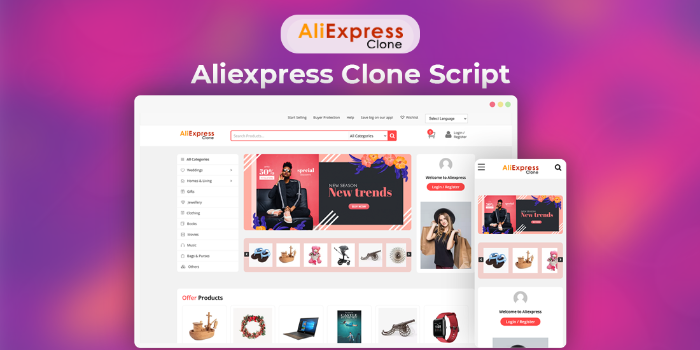 Buy2Aliexpress - Aliexpress clone scriptSponsored
posted bySangvishinClone Scripts
PriceUSD 499.00
Views1303
 Alibaba Clone Script - Buy2AlibabaSponsored
posted bySangvishinClone Scripts
PriceUSD 499.00
Views2205


User Reviews
Please rate the listing and tell the world know what do you think about the listing.
No reviews found.
Not yet reviewed by any member. You can be the first one to write a review for this listing.Click hereto submit your review.

