
WS-Ecard for website
This version works without database. The ecard is directly sent to the recipient. The email contains also the message and other mentions.wich can be configured in the file 'Params.asp' - Multilingual support. - Highly customisable in the file 'params.asp'. sp�cifications : ASP 3.0 Requirement : plate forme: - Windows avec IIS - Email server side component (CDOSYS, ASPMAIL, PERSIST etc.) Installation - Extract the files in a directory of your Web site - Open 'params.asp' in a text editor. - Edit the WS_Ecard : default directory, GaleryName, GaleryAuthor, etc. - Configure your email component in 'Preview.asp'. - Publish

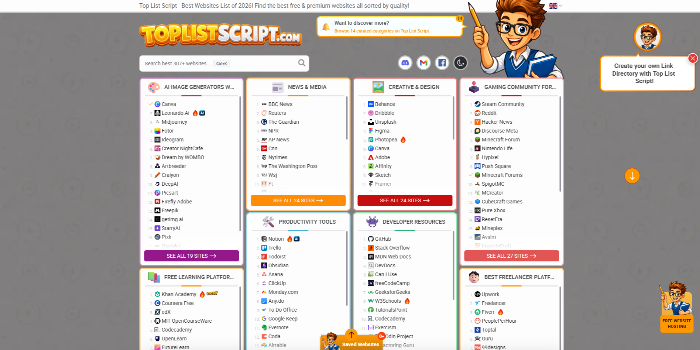 PHP Link Directory, Toplist & Review ScriptSponsored


 Themeforest Clone Script - Digi MonsterSponsored
1 Hour AWS Consulting Services/Support
One hour of flexible AWS consulting or support for architecture, design, or issues.
Management of Shared Storage Using AWS EFS
Setting up and managing a shared disk/folder using AWS EFS so multiple servers can access the same data at the same time
Help/Fix on AWS WAP Service(EKS) (1 Hour)
One hour of help or fixes for issues related to your AWS EKS workloads.
1 Hour AWS issues/problems review and fix
One hour dedicated session to review and fix a specific AWS issue or problem.