

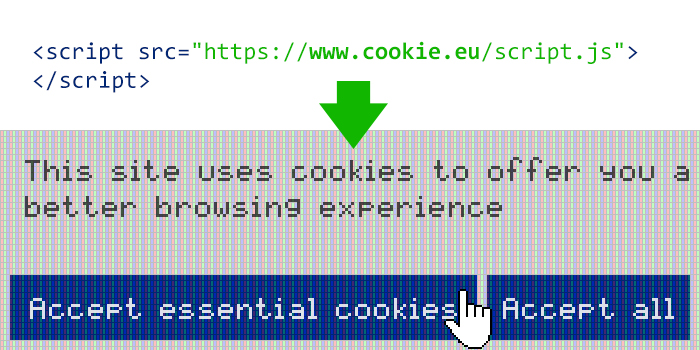
Cookie.eu - cookie consent prompt Sponsored
Cookie.eu website was made to give websites an easy way to display a cookie consent prompt required by European GDPR data privacy and security law. You can display a cookie prompt on your site simply by pasting this html code at the end of <body> tag: <script async src="https://www.cookie.eu/script.js"></script> User will see a cookie consent prompt ("accept only essential cookies" / "accept all cookies"), and once selected the prompt will not show up anymore. On our website you can customize prompt messages, colors, etc.



 Inout Shopping Cart - Multi Vendor EditionSponsored
 Inout Blockchain AltExchanger (Crypto to crypto trading exchange platform script)Sponsored
AWS Instance & Volume Protection Monitoring Service
Monitoring and protecting up to 10 AWS instances/volumes by enforcing safe deletion settings, with pricing adjustable fo
Creation and Management of AWS VPC and Subnets with IPv6 Support
Create and configure AWS VPCs and subnets with full IPv6 support for modern, scalable, and future-ready networking.
Cost optimization by archiving standard AWS snapshots
Reduce storage costs by cleaning up and archiving old EC2 or EBS snapshots safely.
Microsoft Azure App Service Deployment & Web Application Configuration
Deploy and configure Azure App Service for hosting web applications with secure access, performance tuning, and environm