

Multi-video download link: Youtube, Google, Dailymotion, Metacafe, Myspace, ...
How does it work? Simple: 1. Surf on the video site (Youtube, Google, Metacafe, Dailymotion, Myspace, ...) and copy the url when you are on the video page (the page where video plays) 2. Paste the url in the below text box (including all URL parameters and codes) 3. Click on the button and wait a few seconds 4. You now have a link to download the video file on your disk (often a .flv or mp4 flash video file). (Pay attention to name it with the correct extension when you save it on your disk) 5. That’s it! You can watch the video with your favourite player or upload it to your website!

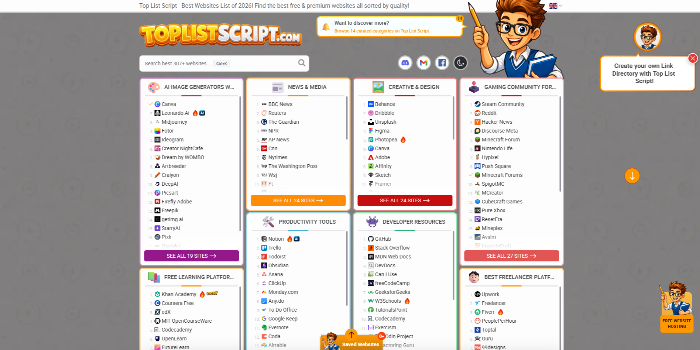 PHP Link Directory Script - Top List Script & Website Review ScriptSponsored
 Car Dealer & Autos Theme (New 2022) - Download Now!Sponsored

 Multi Vendor Marketplace Script - MartySponsored
Automating AWS Server Backups and configuring AWS Backup Cycles and AWS Backup rules
Set up automated backups for AWS servers using AWS Backup and clear backup cycles.
Cloudflare Ongoing Management & Monitoring (Monthly)
Monthly Cloudflare management including policy changes, monitoring, tuning and issue response.
Website and database migration to AWS EC2 instance
Migrate your website and database from existing hosting to an AWS EC2 server.
Help/Fix on AWS WAP Service(EKS) (1 Hour)
One hour of help or fixes for issues related to your AWS EKS workloads.
