
Resize and Stage Align flash in browser window
This file demonstrate the alignment for objects position inside the flash movie, It’s a must for every flash website. very easy and simple to implement. Each object is a separate movieClip with its own unique location. The Center-Main movieClip comes with an Ease-Tween Transition. (You can easily cancel this function, if you want to). All elements will automatically align on stage when you resize your browser. Resize your browser and watch how cool it is. You can easily manipulate the location and determine the margin you want. Very easy to implement – each and every AS is perfectly explained.



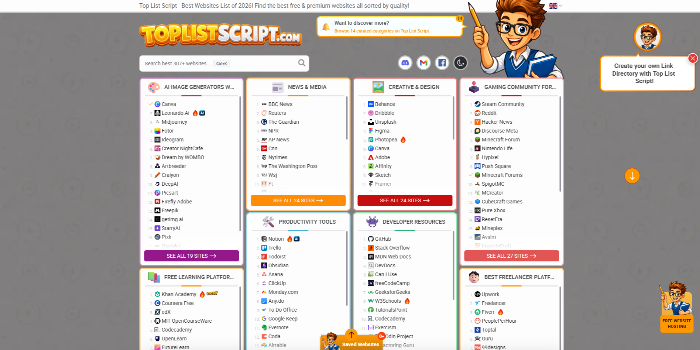 PHP Link Directory, Toplist & Review ScriptSponsored

Help/Fix on AWS Lambda Service (1 Hour)
One hour of help or fixes for AWS Lambda functions and related services.
AWS Instance & Volume Protection Monitoring Service
Monitoring and protecting up to 10 AWS instances/volumes by enforcing safe deletion settings, with pricing adjustable fo
AWS S3 Glacier Low Cost Deep Archive configurations
Configure S3 Glacier Deep Archive for ultra low-cost long term data storage.
Analysing your AWS bill and suggesting ways to reduce costs
Deep analysis of your AWS bill with a detailed list of cost saving recommendations.