

SellDigitall
SellDigitall will upload the files onto your server and generate the button code for you. All you have to do is copy the PayPal button code and paste it into your website or blog. SellDigital processes the payments and sends a one time use link to the buyer so they can download their file. It's as simple as that. Updated to support changes to PayPal IPN protocol that go into effect on May 1st, 2013

 Multi Vendor Marketplace Script - MartySponsored
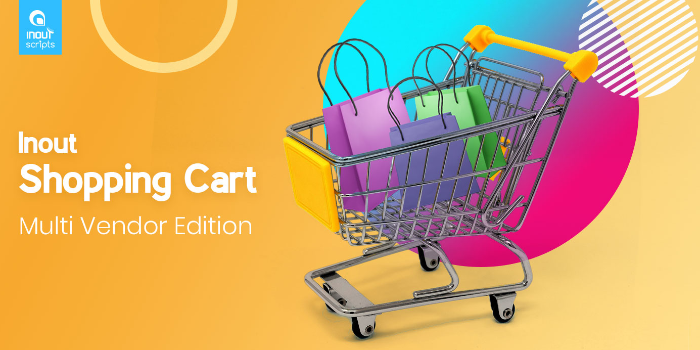 Inout Shopping Cart - Multi Vendor EditionSponsored
Cost optimization by replacing IPv4 with IPv6 and configuring DNS for it
Plan and configure IPv6 addressing and DNS so you can reduce IPv4 usage and related costs.
Management of Shared Storage Using AWS EFS
Setting up and managing a shared disk/folder using AWS EFS so multiple servers can access the same data at the same time
Help/Fix on AWS VPC General/Advanced Services (1 Hour)
One hour of help or fixes for AWS VPC networking issues or advanced configurations.
Configure EC2 Auto Scaling
Setting up EC2 Auto Scaling to automatically adjust the number of servers based on traffic, performance, and demand.
