
Browser Identification
Publisher
Product Details
This piece of code will check to see what browser the remote user is using. It then determines what page to send them to based on that information.


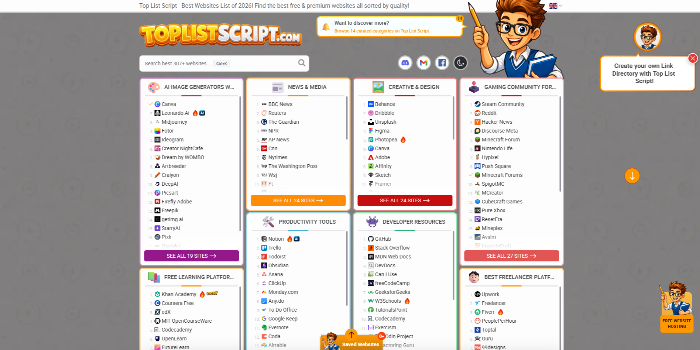 PHP Link Directory Script - Top List Script & Website Review ScriptSponsored
posted bytoplistscriptinLink Indexing
PriceUSD 299.99
Views189

 Video Theme: Setup a website like YouTube today (New 2022) - Download Now!Sponsored
posted byshopperpressinSocial Networking
PriceUSD 99.00
Views5945
AWS S3 Glacier Low Cost Deep Archive configurations
Configure S3 Glacier Deep Archive for ultra low-cost long term data storage.
Help/Fix on identifying the most cost effective AWS spot instances based on instance type and region (1 Hour)
One hour of help to choose the most cost effective AWS Spot instances for your workload.
Create CloudWatch Alarms and Automated Performance-Based Actions
Setting up CloudWatch alarms to monitor server performance and trigger automated actions based on customized conditions.
Automating AWS Server Backups and configuring AWS Backup Cycles and AWS Backup rules
Set up automated backups for AWS servers using AWS Backup and clear backup cycles.
User Reviews
Please rate the listing and tell the world know what do you think about the listing.
No reviews found.
Not yet reviewed by any member. You can be the first one to write a review for this listing.Click hereto submit your review.