
Glossy Skin for Flex Application
Glossy Skin Media Template Files Included: (i) Complete Flex Project (ii) CSS File Directions to Use: (i) To Change the Logo just replace the file “logo.png” in the location src/assets with your logo. (ii) If color change of the skin is required Open “style.css” and modify colors. (iii) Image, Video and Music player contents can be easily loaded just by selecting the “SWF SOURCE ”. Features: (i) 100% Resizeable. (ii) All your Media Content under one single page. (iii) Glossy appearance and cool effects.

 Coupon & Affiliate Theme (New 2022) - Download Now!Sponsored
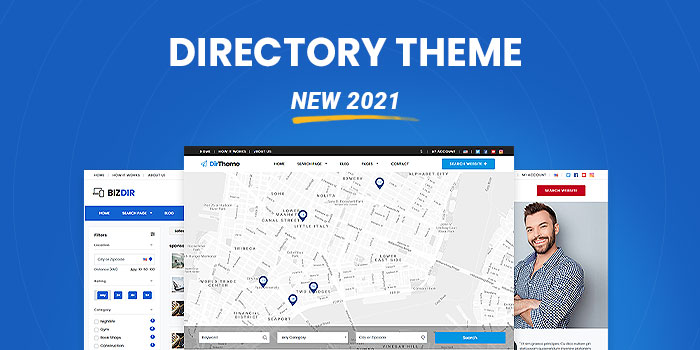 Business Directory Theme (New 2022) - Download Now!Sponsored
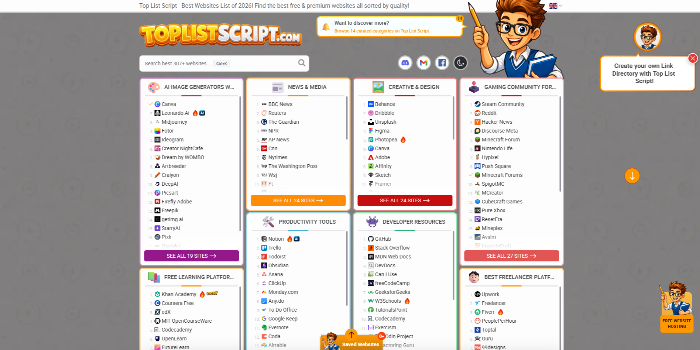 PHP Link Directory Script - Top List Script & Website Review ScriptSponsored
 Car Dealer & Autos Theme (New 2022) - Download Now!Sponsored
Cost optimization by replacing IPv4 with IPv6 and configuring DNS for it
Plan and configure IPv6 addressing and DNS so you can reduce IPv4 usage and related costs.
Cost optimization by archiving standard AWS snapshots
Reduce storage costs by cleaning up and archiving old EC2 or EBS snapshots safely.
Analysing your AWS bill and suggesting ways to reduce costs
Deep analysis of your AWS bill with a detailed list of cost saving recommendations.
Management of Shared Storage Using AWS EFS
Setting up and managing a shared disk/folder using AWS EFS so multiple servers can access the same data at the same time